The Reading Room · A member's handbook
Using the Living Archive
A short, plain-language walkthrough of the lodge's website — how to make an account, find and read research, chart the wider Craft, keep a shelf, reply to a communication, and offer a paper of your own. No technical knowledge required.
To keep a copy, use your browser’s Print command and choose “Save as PDF.”
What this site is
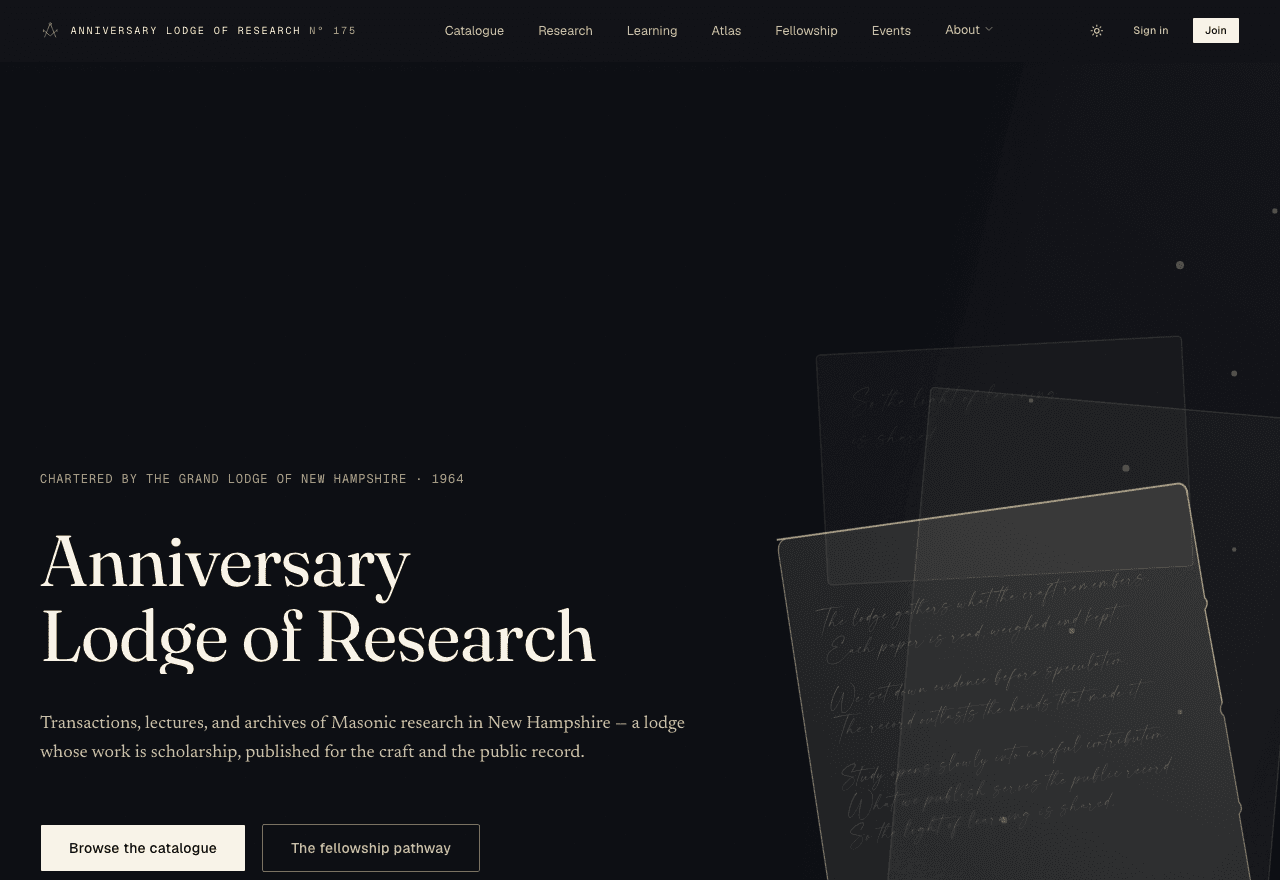
This is the website and private reading room of the Anniversary Lodge of Research No. 175. The lodge is a research lodge: its work is scholarship — reading, arguing from evidence, and publishing papers in its Transactions. The site has two halves. The public galleries — the catalogue, research, events, and About pages — are open to everyone. The Reading Roomis the members’ portal, where your access opens up as your standing with the lodge is recorded.
New here? Do this first
Three steps put the whole archive within reach:
- Browse the catalogue — it is open to everyone, no account needed.
- Make a free reader account to keep a shelf and your reading place.
- If you are a Master Mason, record your standingto open the brethren’s holdings.
You do not need an account to browse the catalogue, read the open lectures, chart the Research Atlas, or see the calendar. An account simply lets the archive remember you — your shelf, your reading place, and (once your standing is verified) the deeper holdings.
Creating your account
A reader account is free. Click Join at the top right, or go straight to the registration page.
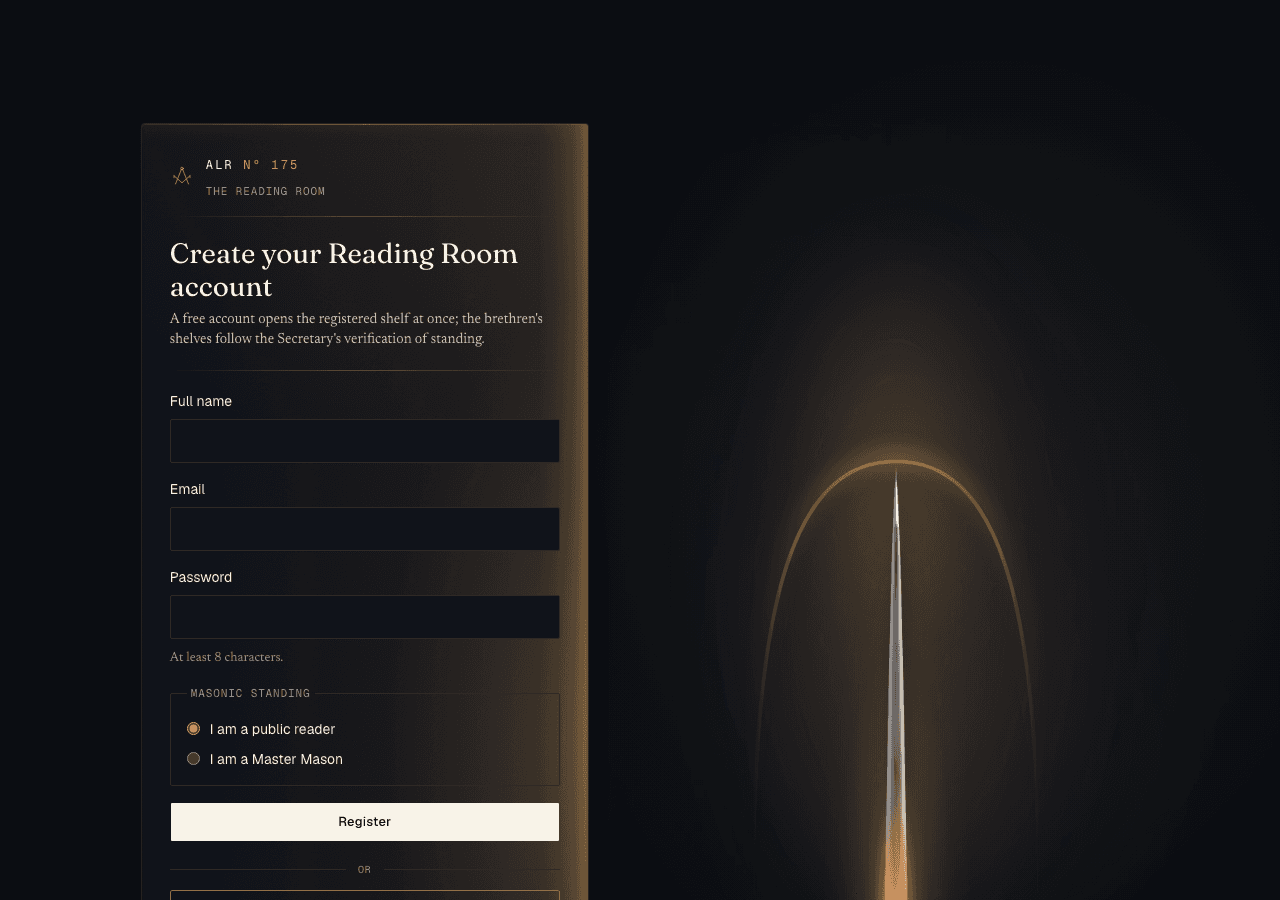
- Enter your full name.
- Enter your email address.
- Choose a password of at least 8 characters.
- Tell us your standing: I am a public reader (a free registered shelf) or I am a Master Mason (this starts the verification step described below).
- Press Register. You arrive in the Reading Room.
Prefer Google?
Signing in
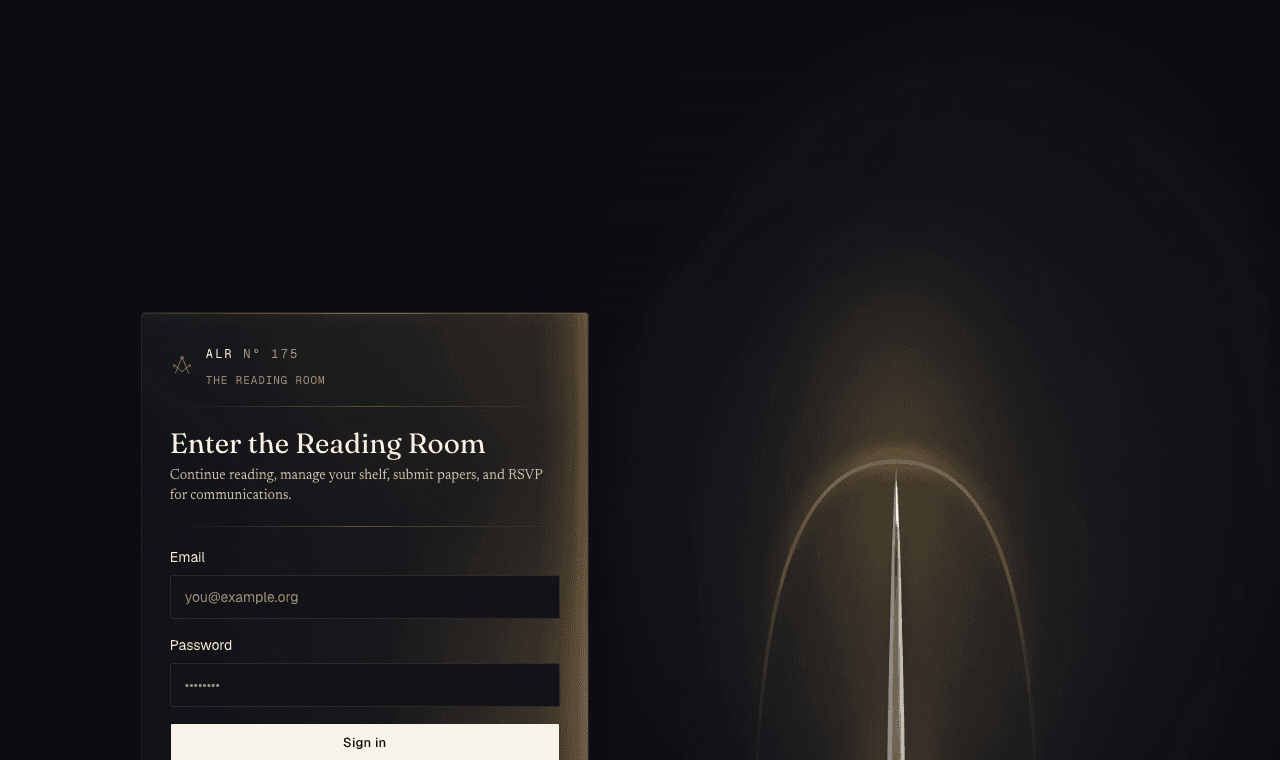
Click Sign in at the top right and enter the email and password you registered with.
Lost your password?
Verifying your Masonic standing
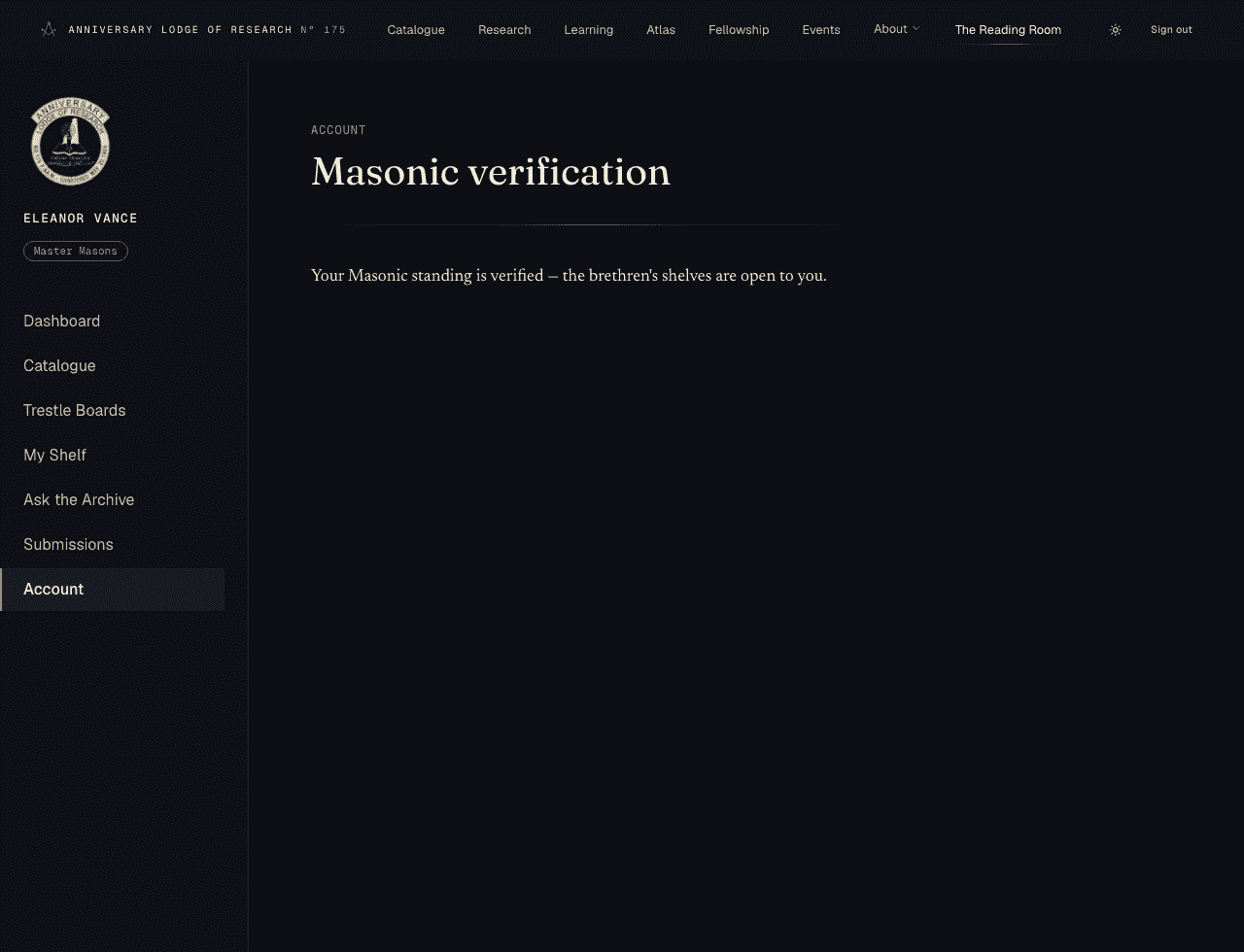
A free account opens the registered shelf. To reach the brethren’s holdings, the lodge records your Masonic standing. You ask for this from your Account → Verification page, and the Secretary reviews it.
- Your claim — a short note on what verification means.
- Your lodge — lodge name and grand jurisdiction are required; lodge number and the year you were raised are optional.
- Evidence — you may upload a photo of a dues card or similar (optional), and add a private note to the Secretary.
- Review — check the summary and press Submit request.
What happens after you ask
- Received
- Under review
- Decision
Most reviews finish within about a week. When the Secretary approves it, the verified shelves open; if more is needed, you’ll see a short note and may apply again.
Email notifications
Your evidence is private
Finding your way around
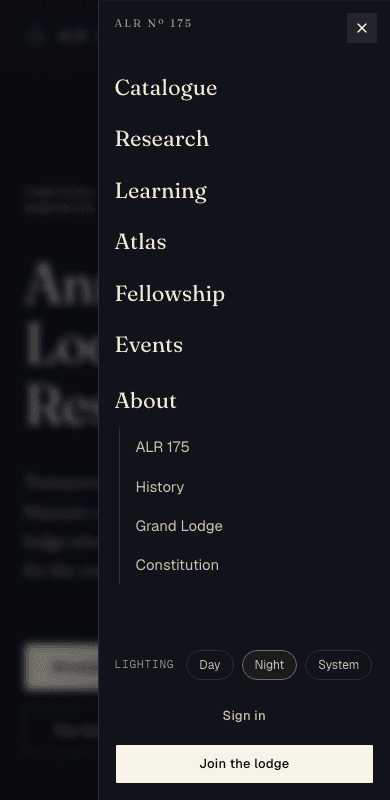
The bar across the top is the same on every public page. On a phone, the same links live behind the menu button (the three lines) at the top right.

The seven public sections are:
- Catalogue— the library of the lodge’s holdings.
- Research — what the lodge studies and how the Transactions are made.
- Learning — study guides, with an open introduction for everyone.
- Atlas— the Research Atlas, a chart of the wider Craft’s libraries and journals (Section 9).
- Fellowship — the path from reader to Fellow.
- Events — the trestleboard of communications and lectures.
- About — the lodge, its history, and its officers.
On a phone, tap the menu button (top right) to open the same links as a slide-in panel, with the theme switch and Sign in / Join at the foot.
The catalogue — the public register
The catalogue is the lodge’s public register: every item in the library is entered here with a public record — its title, author, abstract, and citation — even when the document behind it is reserved for a particular standing.
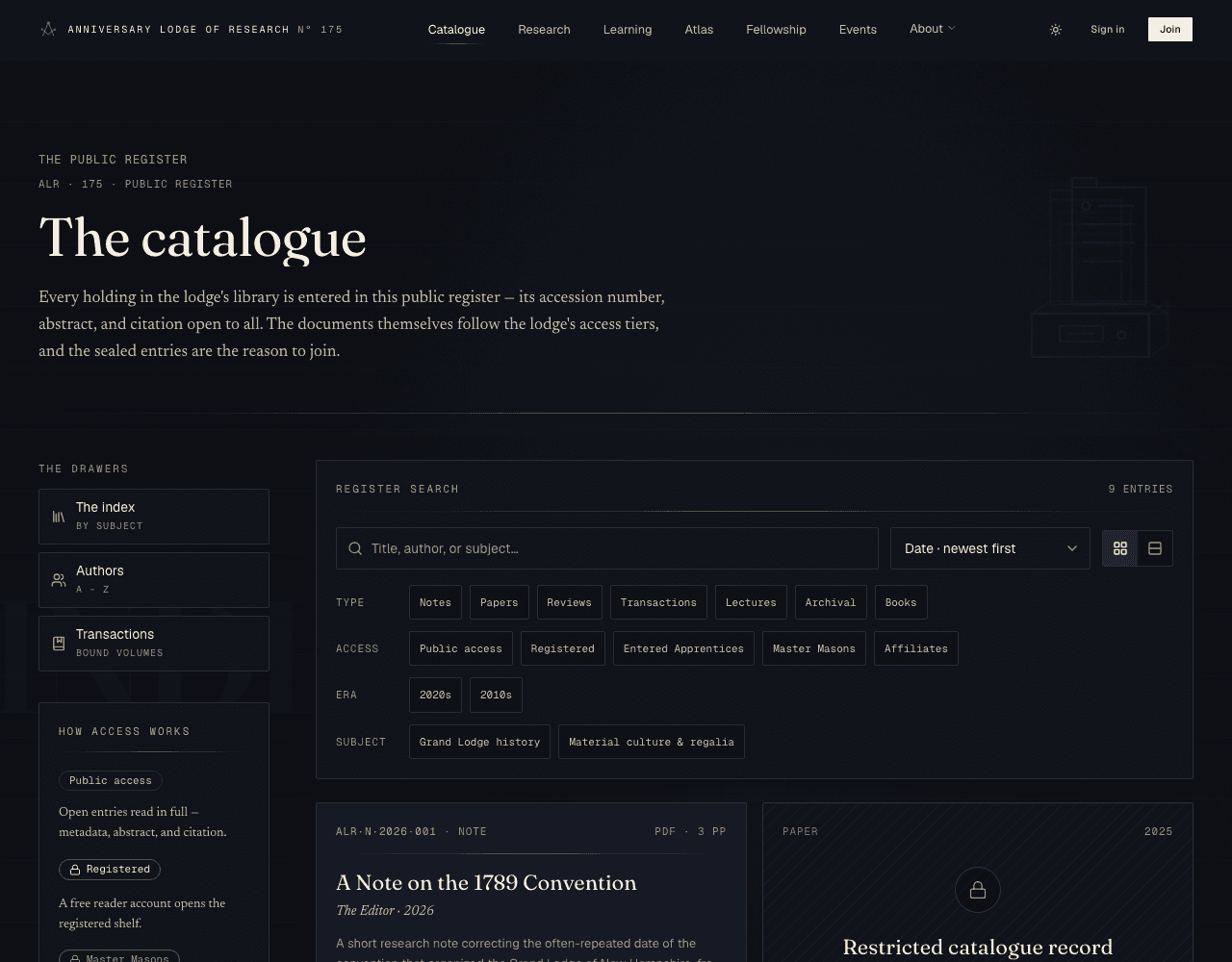
- Type in the Register Search box — it matches titles, authors, and subjects as you type; no need to press Enter.
- Narrow with the facets — Type, Access, Era, Subject— by clicking a chip. A chosen facet is “stamped”; the line of applied filters reads Filed under…, and each can be lifted off again.
- Re-order with the sort menu, and switch between the picture plates and a compact ledger with the toggle beside it.
- Use the drawers on the left — The index, Authors, Transactions — to browse a different way.
Open record vs sealed record
Specimen records
Opening a record
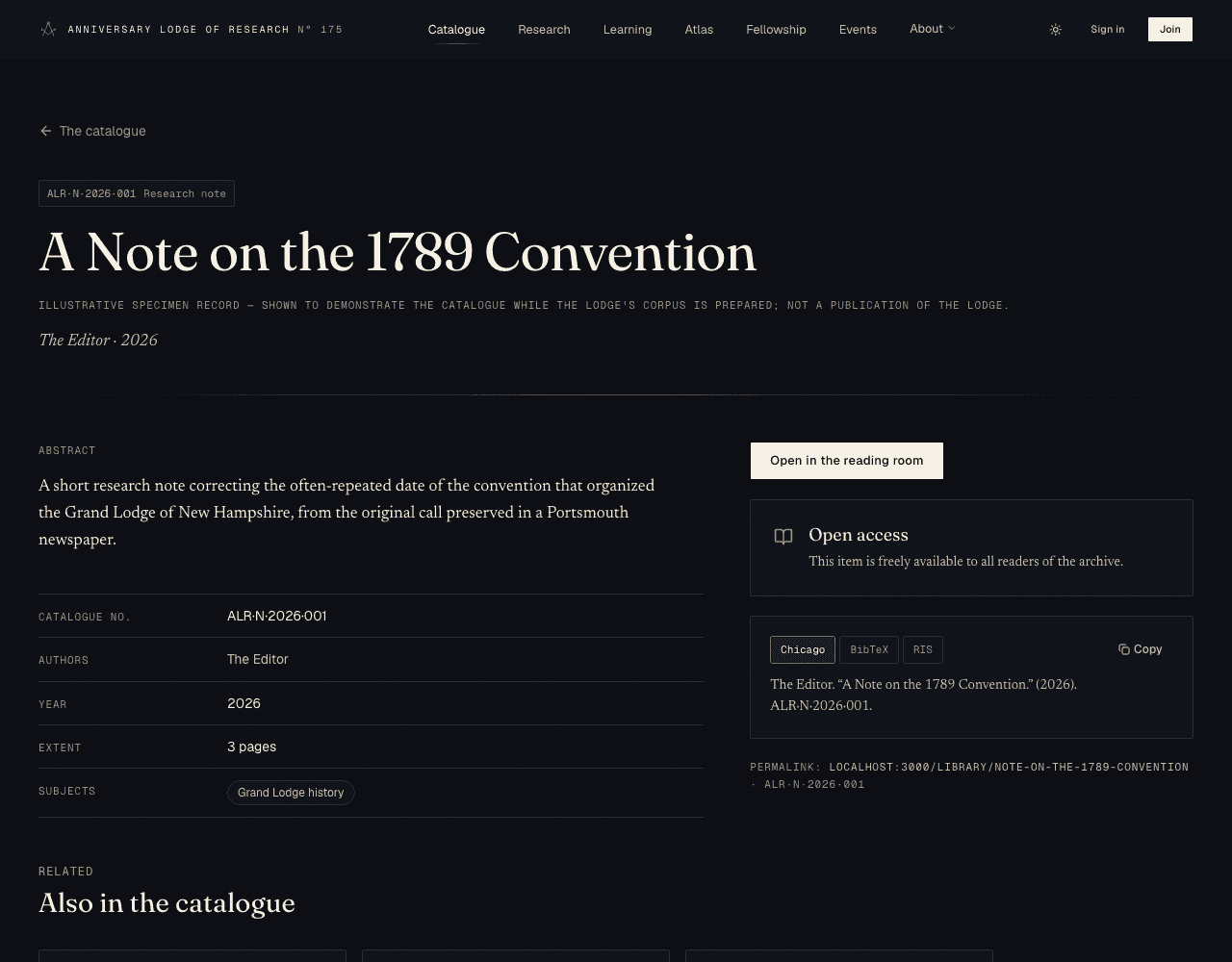
Click any open plate to read its record. The page gives the full scholarly description, an access note telling you who may read the document, and — when you are eligible — a button to open it in the Reading Room.
Reading the access note
Citations & permalinks
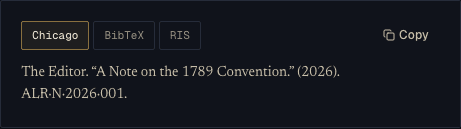
Every record offers a ready-made citation in three forms. Use Chicago for prose footnotes, or BibTeX and RIS to import into reference managers like Zotero. A quick Cite button on each catalogue plate copies the Chicago form without even opening the record.
Do
- Cite the permanent accession number (e.g. ALR·175·001·001).
- Link straight to the record page — its address never changes.
- Copy BibTeX or RIS into your reference manager.
Do not
- Don't copy a document's temporary download link to share — those expire.
- Don't worry about the format being exact; the block writes it for you.
The Research Atlas
The Research Atlas — reached from Atlas in the top bar — charts the widerCraft: a curated, verified directory of research lodges, libraries, journals, archives, public-domain books, and independent scholarship from around the world. These are not the lodge’s own holdings; they are signposts to good work kept elsewhere.
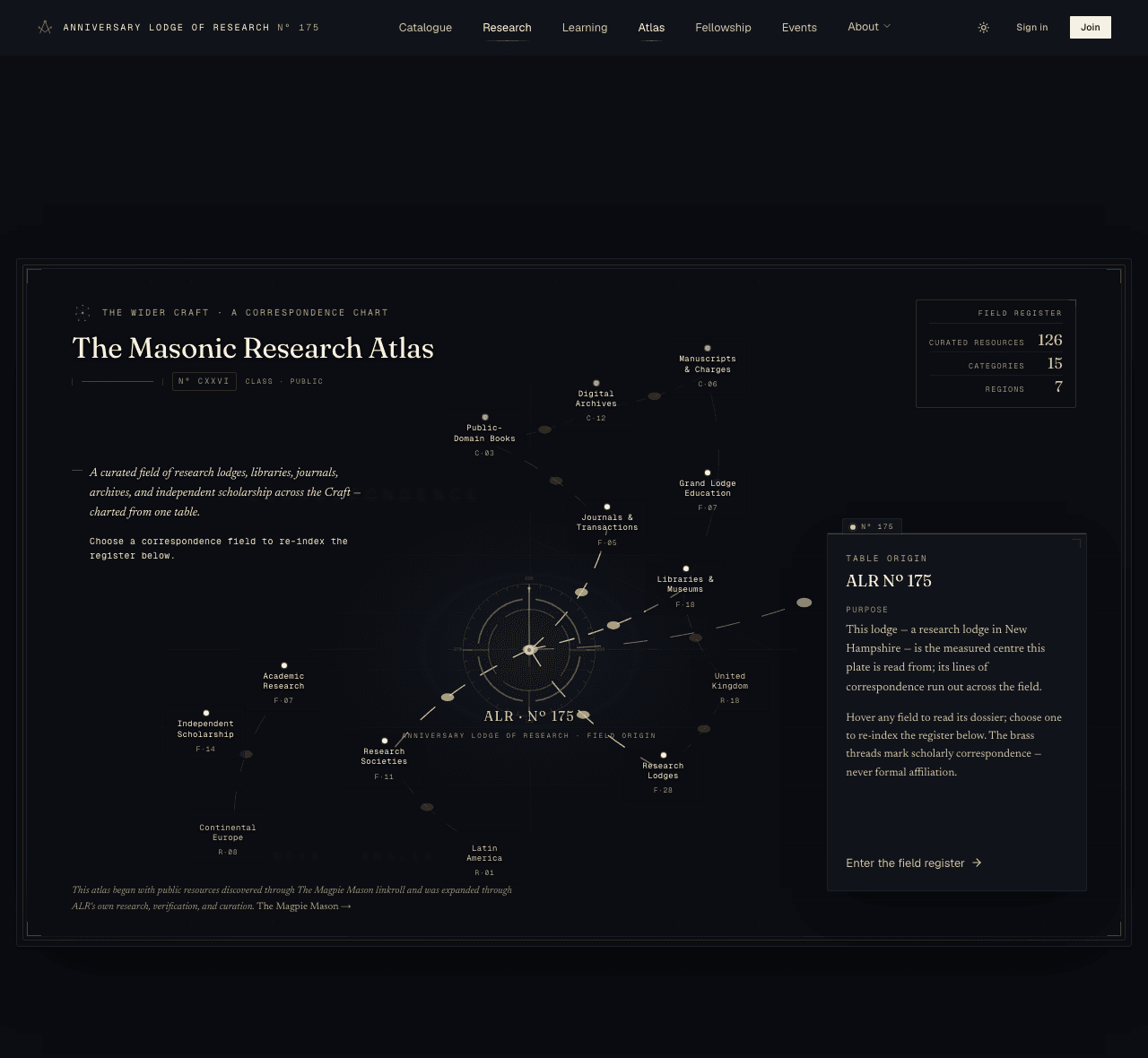
- The lodge (ALR · Nº 175) sits at the centre. Every resource is charted by how it correspondswith the lodge’s study — the brass thread marks scholarly correspondence, never formal affiliation.
- Hover a field to read its short dossier; choose one to re-index the register beneath the chart to just that field.
- Scroll to the register — a searchable list of every resource, each with a verified note and a link out to it.
These links lead off-site
Found something missing?
The Reading Room
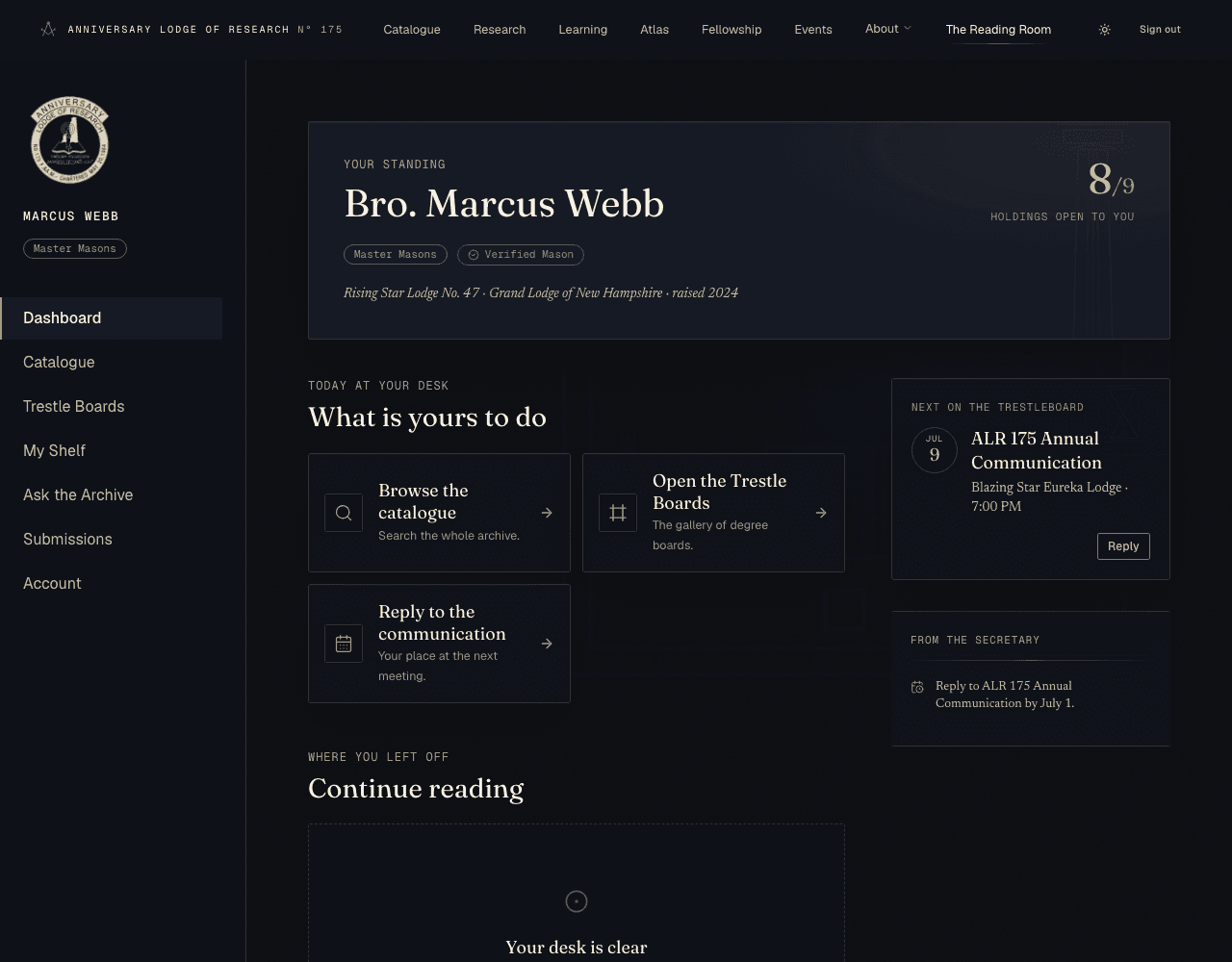
When you sign in, the Reading Room is your home base. A rail on the left (a menu on a phone) holds Dashboard, Catalogue, Trestle Boards, My Shelf, Submissions, and Account.
Open any readable document with Open in the reading room. The reader shows one page on warm “paper” in the dark library, with zoom controls, a page counter, and a box to jump to a page.
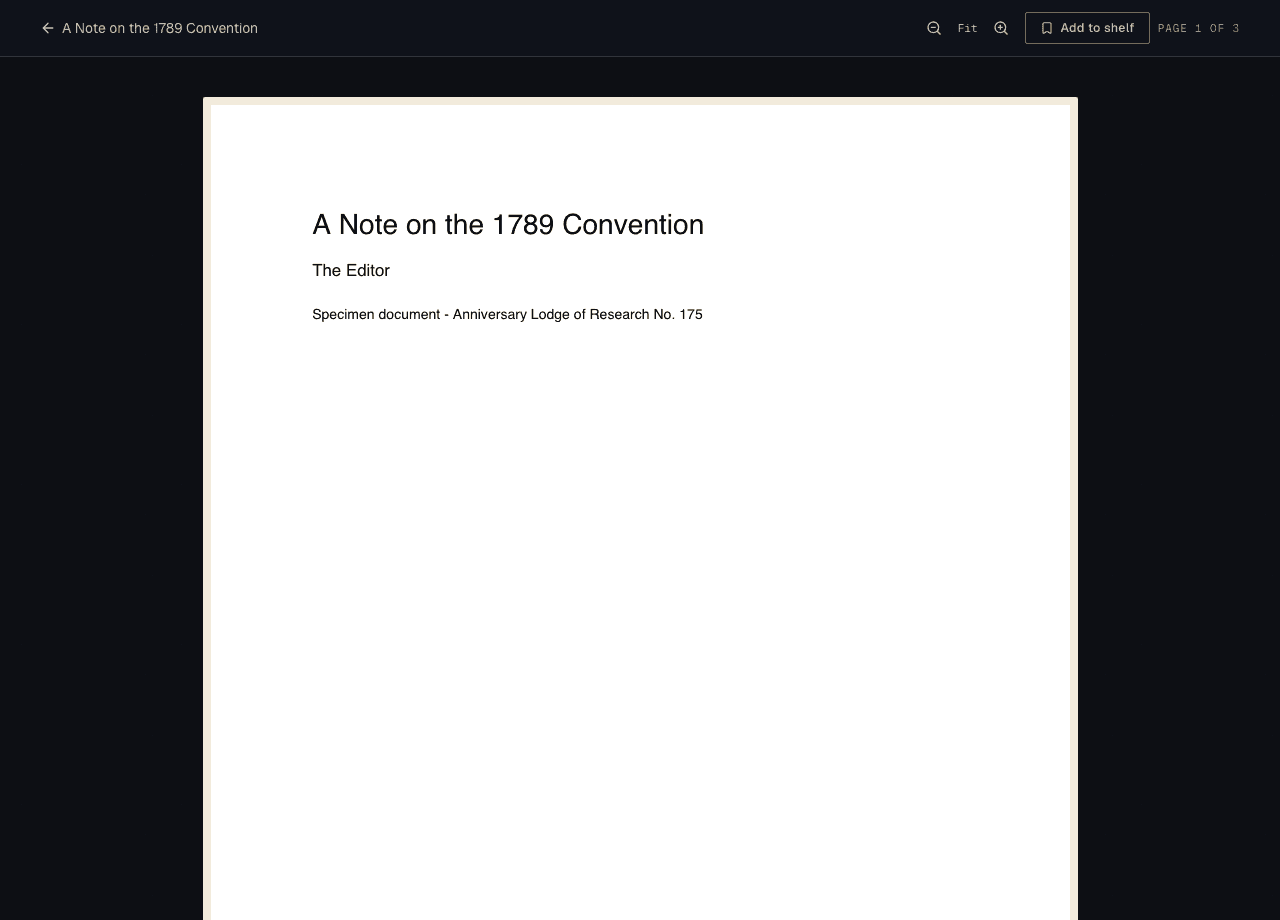
Your place is kept
My Shelf
My Shelf gathers the items you have bookmarked and the documents you are part-way through.
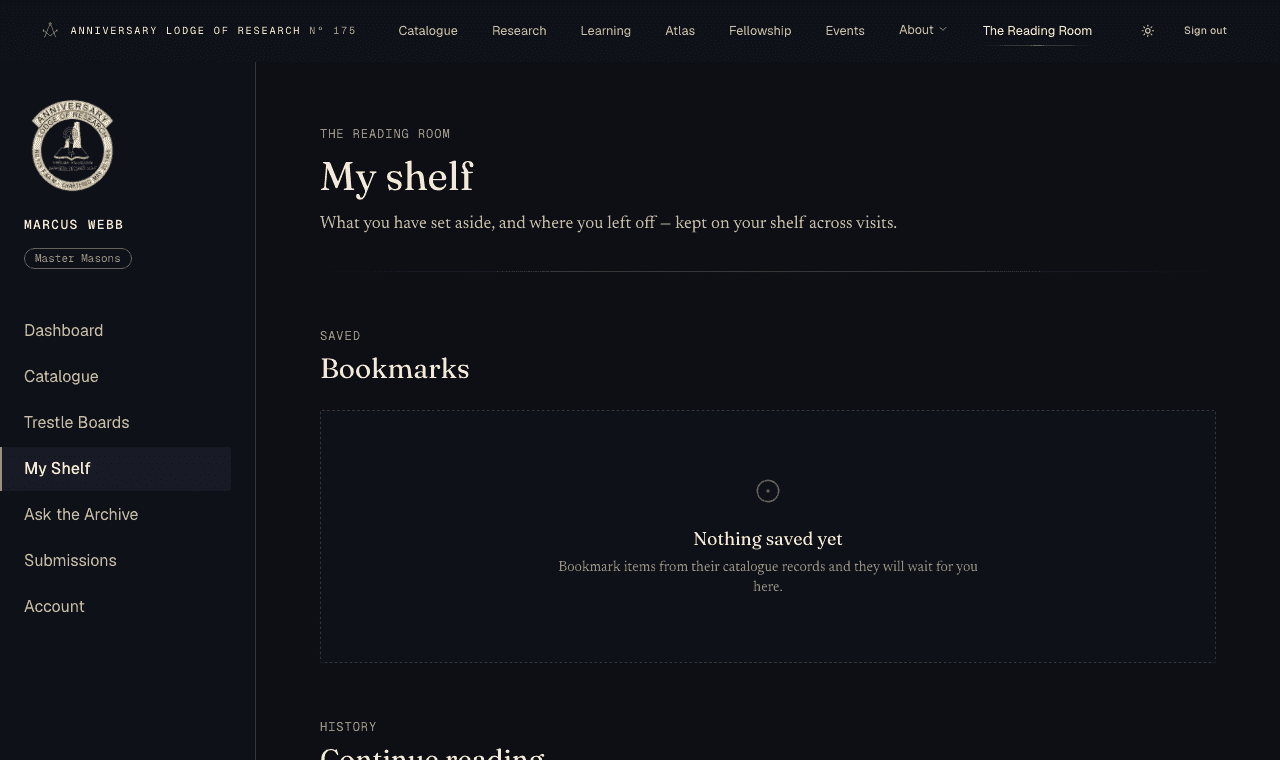
- Bookmarks — items you saved, newest first. Use Remove to take one off the shelf.
- Continue reading — documents with a kept place, so you can pick up where you stopped.
Trestle Boards
Trestle Boardsis a small study gallery of historical degree boards — the painted and engraved “tracing boards” that set out each degree’s symbols. One board is shown large at a time, with the whole collection arranged by degree below.
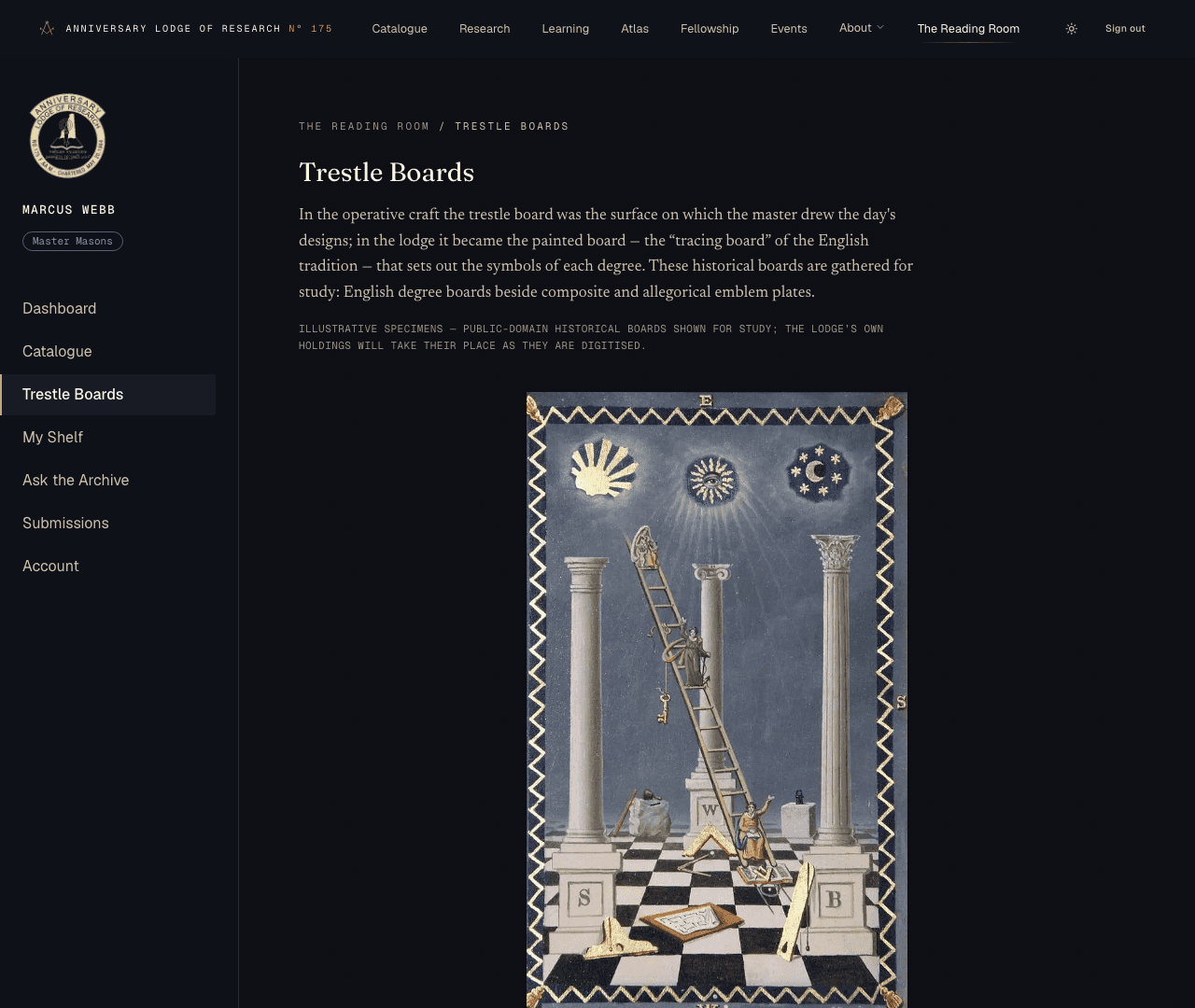
Study specimens for now
Events & the lodge record
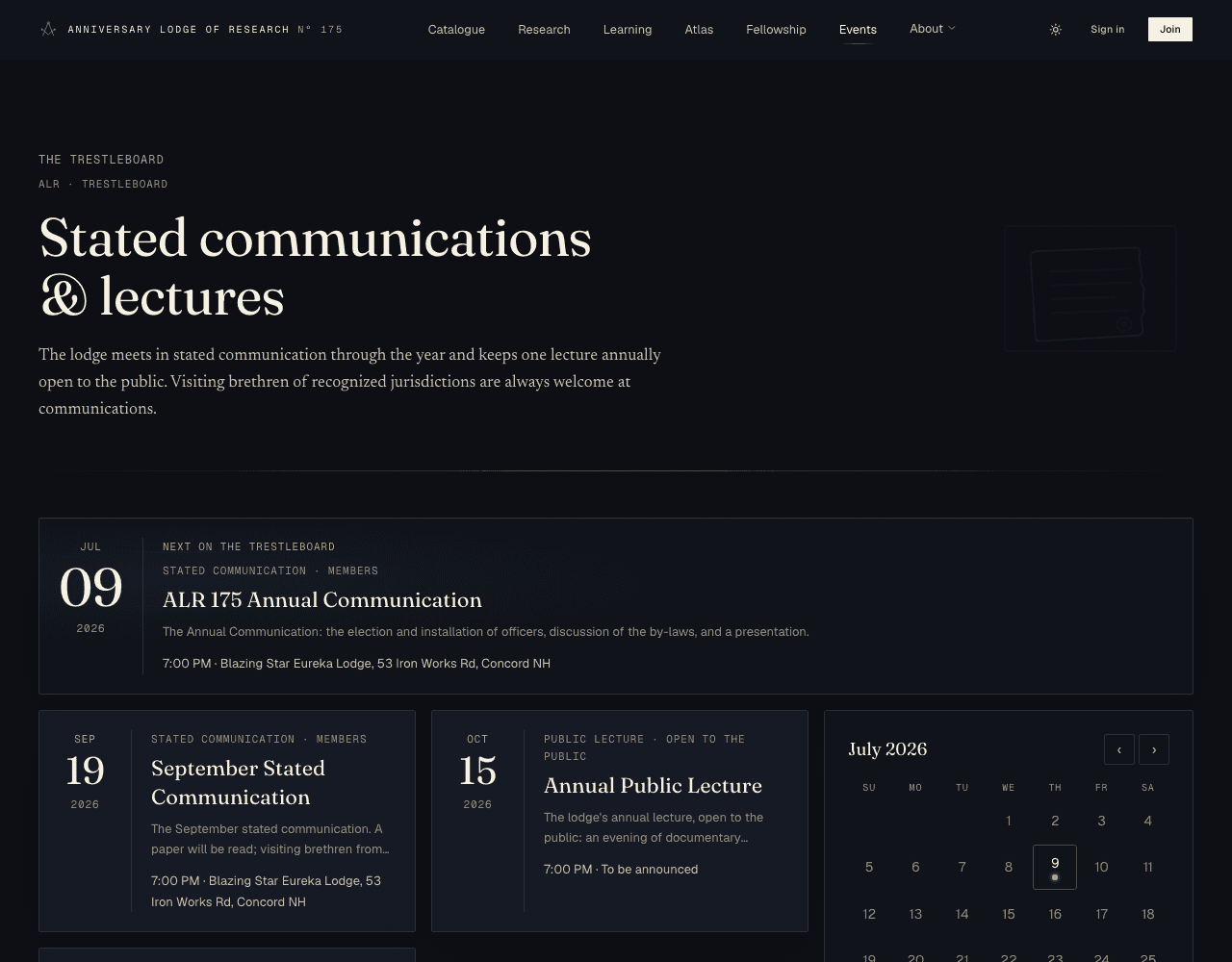
The Eventspage — the lodge’s trestleboard — lists its stated communications and public lectures. The full calendar adds statewide Masonic dates from the Grand Lodge of New Hampshire.
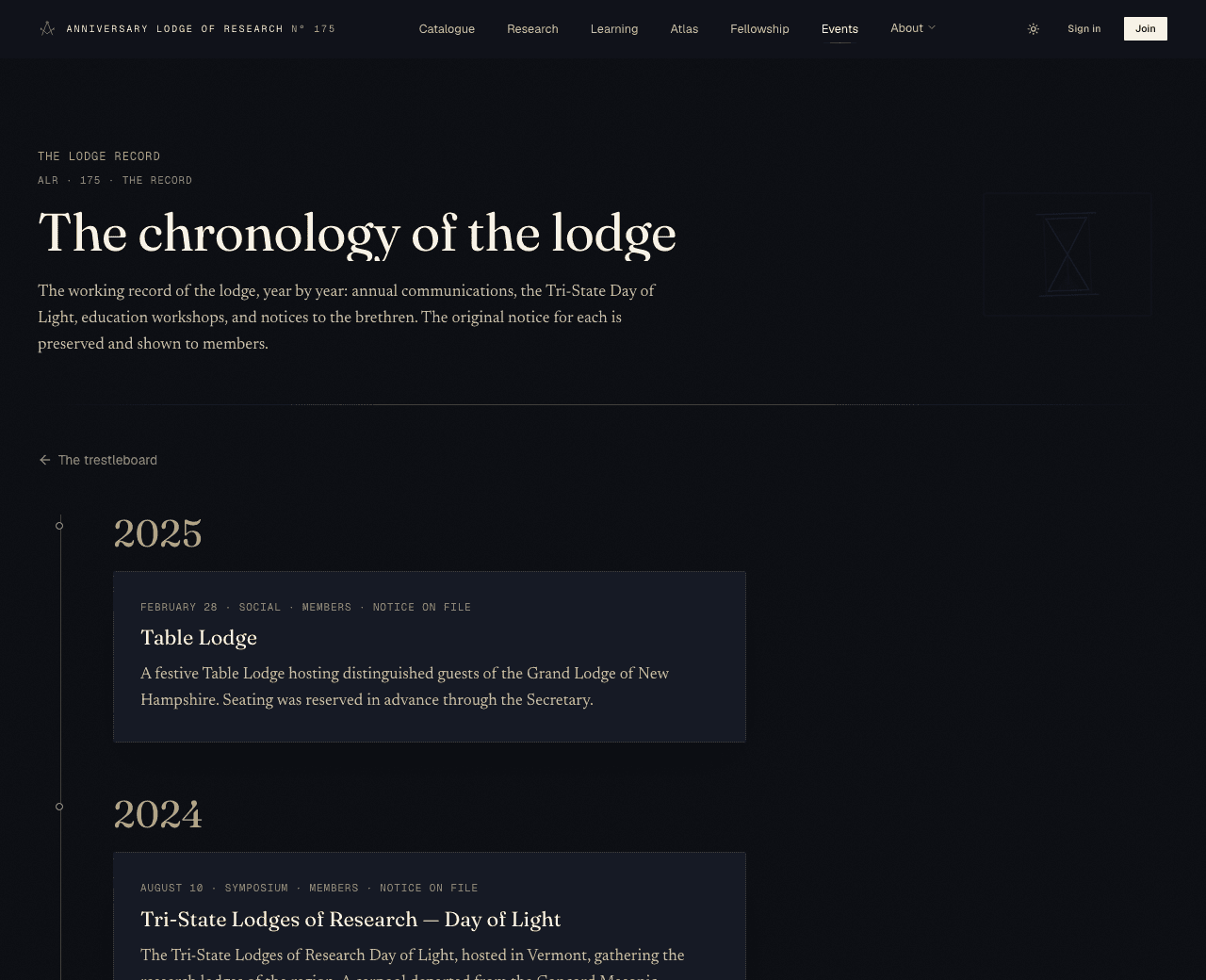
Past meetings are kept in the lodge record — a chronology of communications, lectures, and notices by year. The public summary of each is open to all; the original printed notices are reserved to members.
Replying to a communication (RSVP)
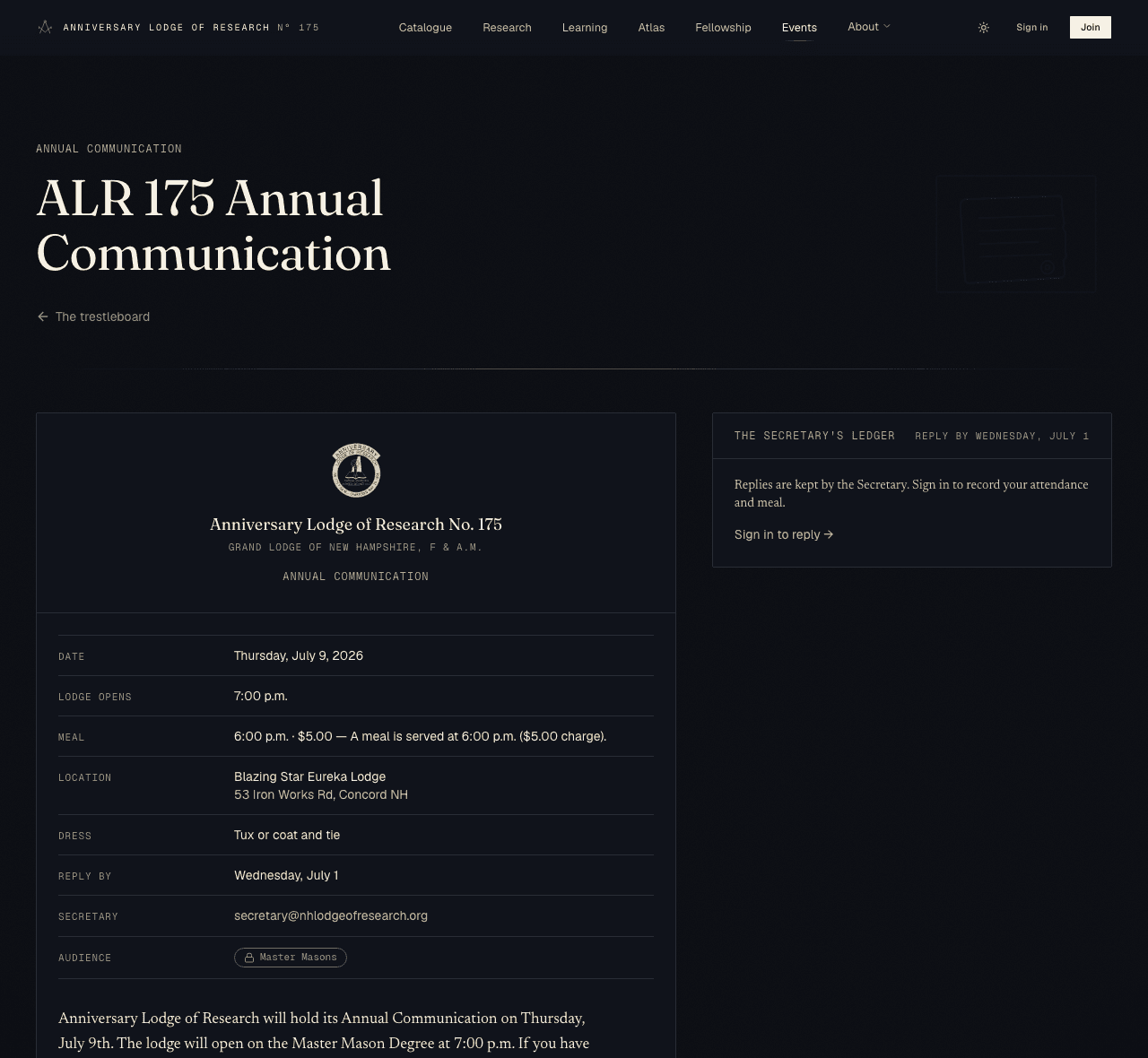
On a communication notice, the Secretary’s ledger is where you record whether you are coming. If you are not signed in, it shows a Sign in to reply link first.
- Open the communication and find The Secretary’s ledger (to the right, or below on a phone).
- Choose Attending, Tentative, or Not attending.
- If you are attending, tick Staying for the meal and set the number of meals.
- Add a private note to the Secretary if you wish (a dietary need, a guest), then press File reply. You may change it any time up to the reply deadline.
After the deadline
Confirmation emails & meal payment
Submitting your work
Affiliates and Fellows may offer a paper, talk, review, or note for the Transactions. From the Reading Room open Submissions and choose New submission.
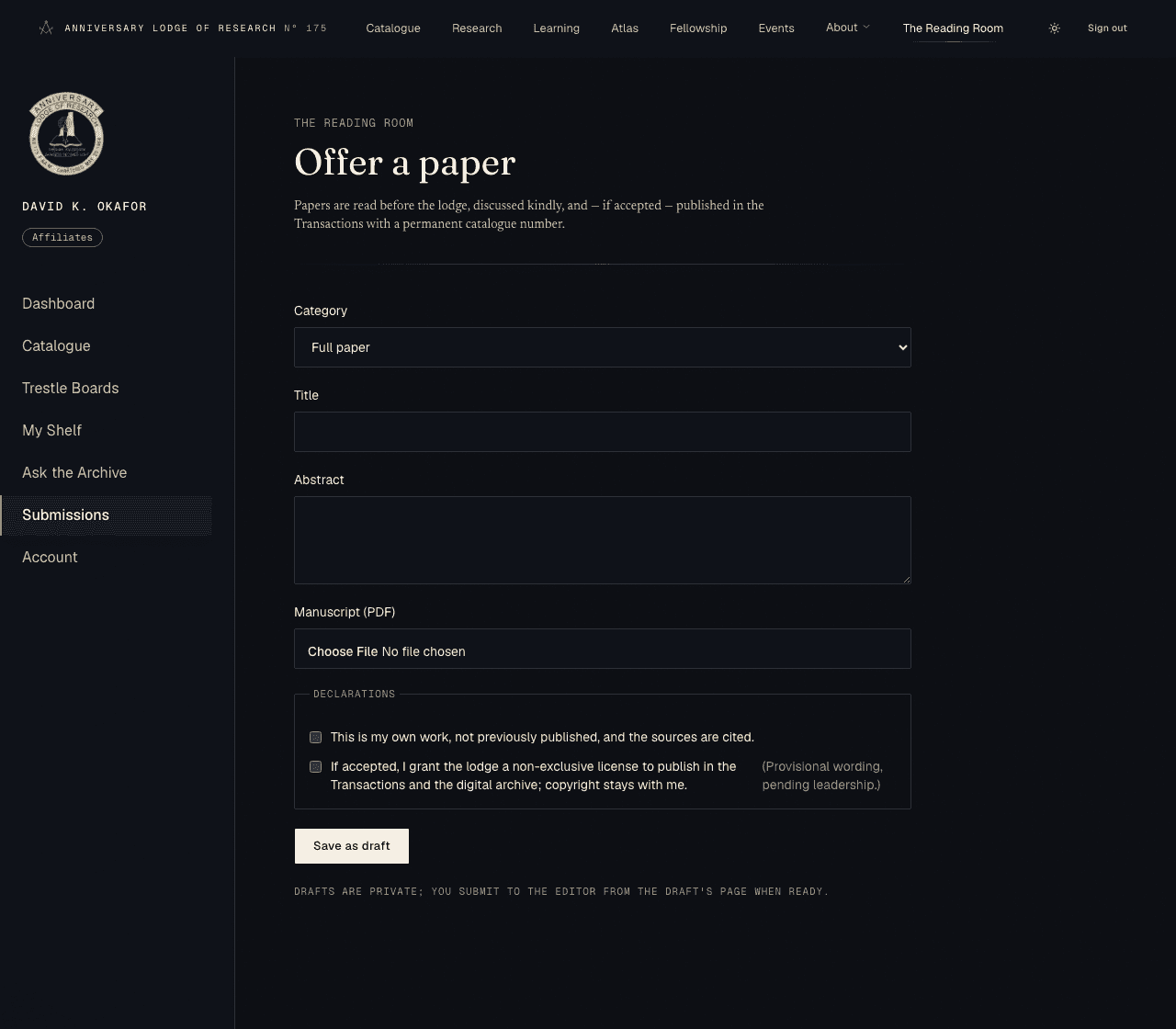
- Pick a category — Full paper, Short talk, Book review, or Research note.
- Give a title and a short abstract.
- Upload your manuscript (a PDF) — optional at first; you can add it from the draft afterwards.
- Tick the two declarations (your own work; a non-exclusive licence to publish, with copyright staying yours) and Save as draft.
- When ready, open the draft and press Submit to the editor.
From there your work moves through clear stages:
A submission's journey
- Draft
- With the editor
- In triage
- Under review
- Revisions
- Accepted
- Scheduled
- Presented
- Published
Open your submission any time to see its current stage, your manuscript versions, and the editor’s notes. If revisions are asked for, upload a new version and Resubmit.
Decision letters by email
Your account details
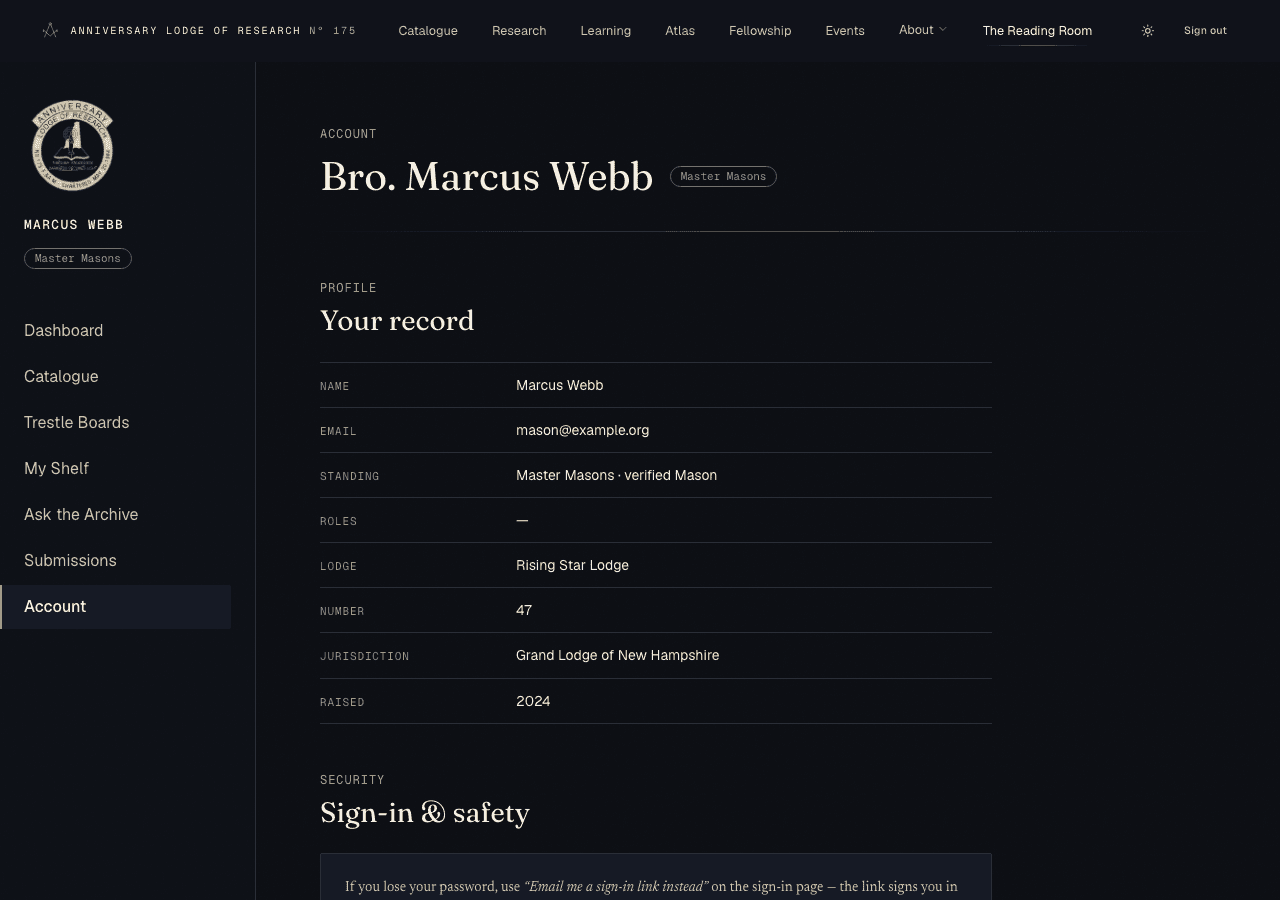
Account shows your record — name, email, standing, any roles, and your lodge details — along with your verification status and sign-in safety notes.
Changing your details
Getting help
The Contact page reaches the Secretary — by post to the address shown there, or by writing to secretary@nhlodgeofresearch.org. You can also speak with an officer in person at a stated communication or the annual public lecture.
On-site contact form
Common questions
Quick answers
- I forgot my password.Use “Email me a sign-in link instead” on the sign-in page.
- A record is sealed / a document is locked. The access note on its record says which standing opens it. Register, or verify your standing, to reach more.
- I verified but a document is still locked. Some items sit above your tier even when verified; the access note tells you which. Reach out to the Secretary if it looks wrong.
- I can’t reply to an event. The reply deadline may have passed, or the communication is for a standing above yours — sign in and check the notice.
- I didn’t get an email. Email notices are not switched on yet; check the relevant page (verification, submission, or event) for your status.
- Something looks broken. Note the page and what you were doing, and tell the Secretary via the Contact page.